
Terminology Server
User Access Guide

Introduction
This next-generation Terminology Server (TS) hosts a variety of standards including SNOMED CT, LOINC, pCLOCD, and CCDD. This server has replaced the Terminology Gateway, and if you already have access to the gateway, then you should be able to access the server without any further action. PrescribeIT and related valuesets continue to be hosted on the Terminology Gateway for (compatibility) reasons.
Useful Links
|
Tool |
Description |
URL |
|---|---|---|
|
Ontocommand |
OntoCommand is an administration user interface that comes with Ontoserver. |
|
|
Shrimp |
Shrimp is a free, online browser for any FHIR Code System, particularly hierarchical, and optimised for SNOMED CT and LOINC. |
https://ontoserver.csiro.au/shrimp/launch.html?iss=https://terminologystandardsservice.ca/fhir |
|
Snapper |
Snapper is an authoring tool to view and update the FHIR Code Systems, Value Sets and Concept Maps. |
https://ui.terminologystandardsservice.ca/snapper/?iss=https://terminologystandardsservice.ca/fhir |
New User?
- Please register your Accelerō account here.
Existing User:
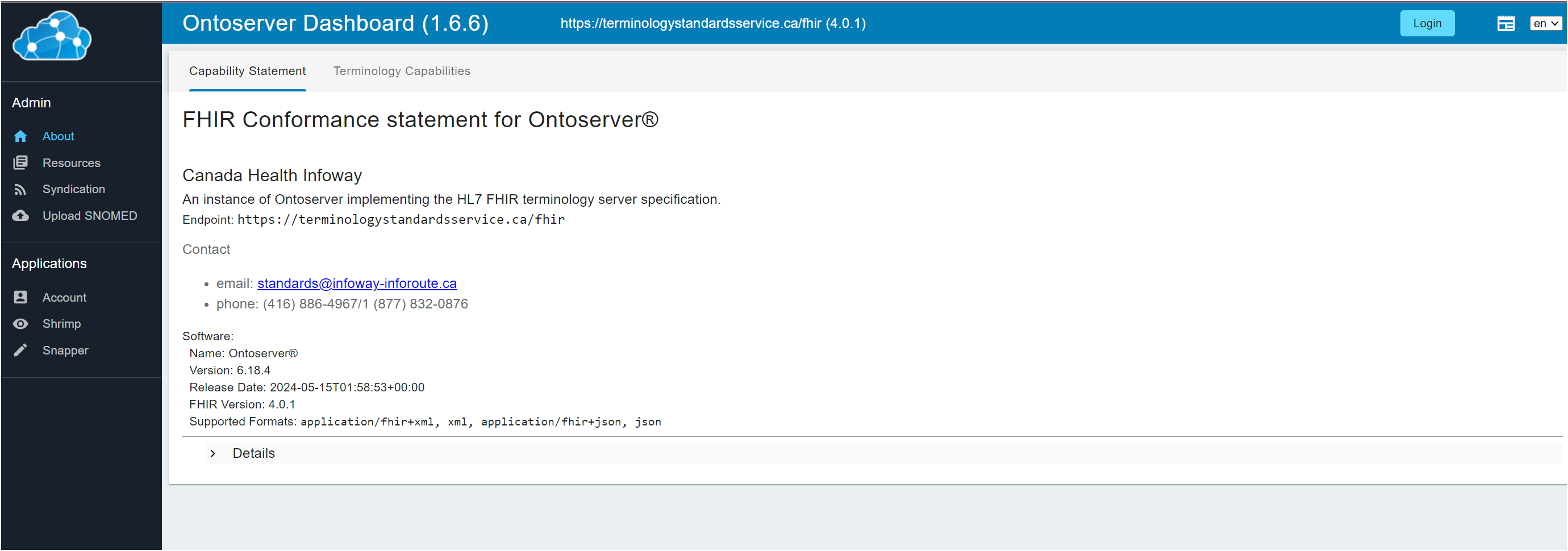
- Navigate to the new Terminology Server. URL: https://terminologystandardsservice.ca/fhir
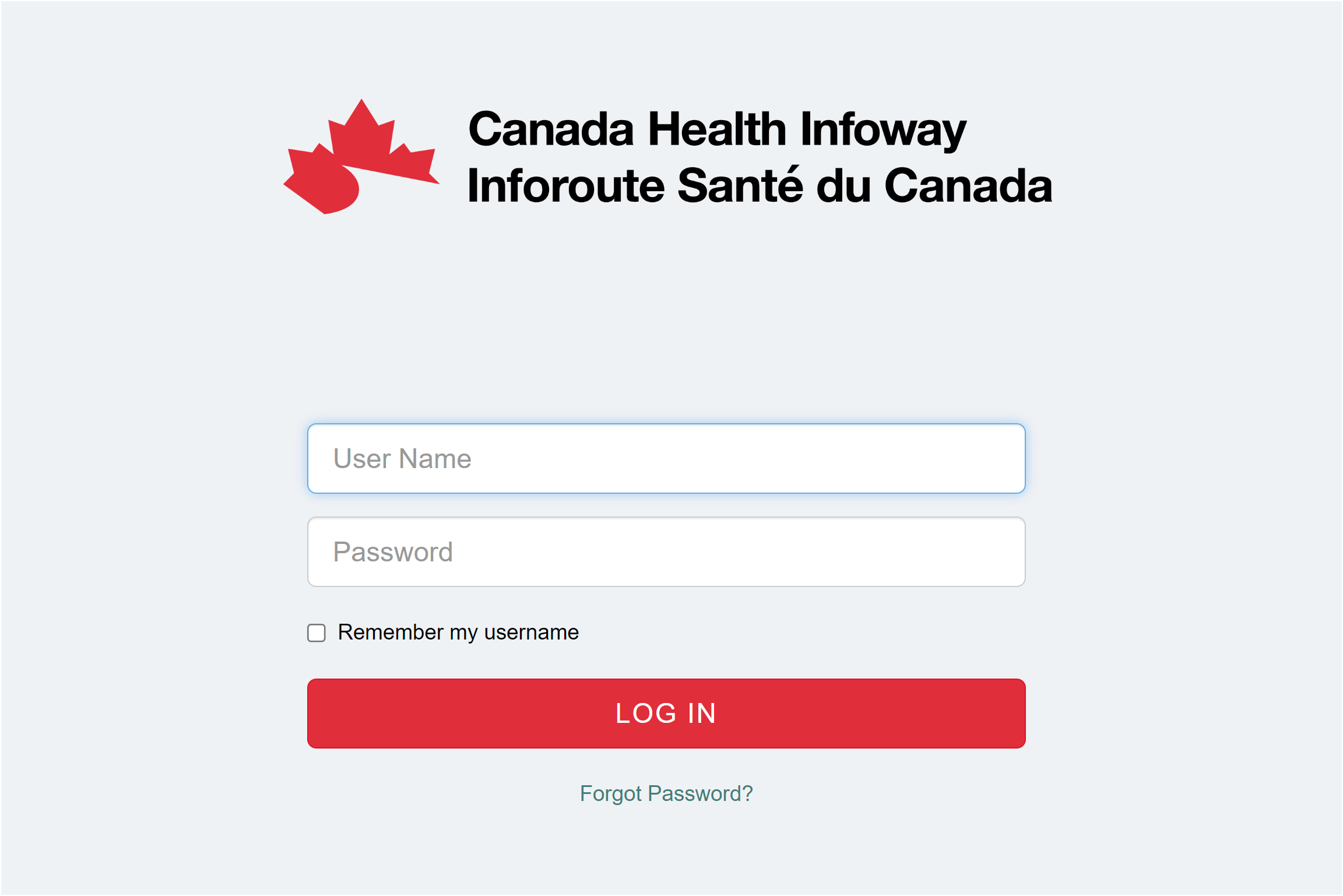
- Click on Login on the top right corner.
- You will be redirected to the OpenAM single sign-on (SSO) page. This is the same Accelerō account you created earlier or already had previously.
- Once login is successful, you will be taken to the main page of the Terminology Server.
- If your access is working as expected, you should be able to click on the "Resources" menu on the navigation bar on the left and see the various terminologies available.
- If you’re having trouble logging in, try refreshing the page, clearing your browser cookies, and/or using a different browser. If the issue persists, please
This email address is being protected from spambots. You need JavaScript enabled to view it. for further assistance.
Shrimp
Shrimp is the tool used to browse the Code Systems and Value Sets. Shrimp can be accessed in two ways. You can go to Shrimp directly or through the main OntoCommand URL mentioned below. You may be asked to login to Shrimp which uses the same OpenAM credentials as the Terminology Server.
- https://ontoserver.csiro.au/shrimp/launch.html?iss=https://terminologystandardsservice.ca/fhir (Direct Link - You can bookmark this link for future use)
- https://terminologystandardsservice.ca/fhir (OntoCommand Link)
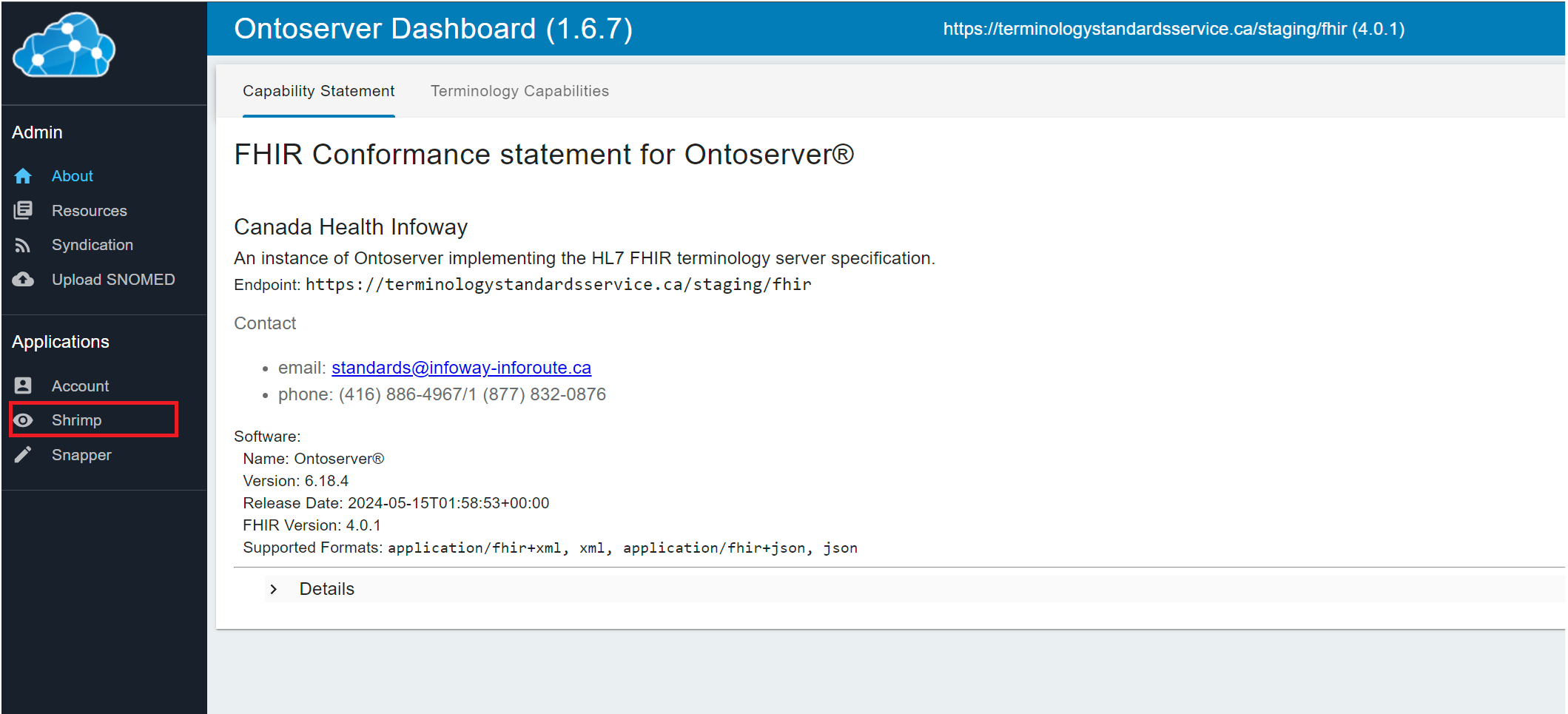
- Click on Shrimp in the navigation bar on the left.
Snapper
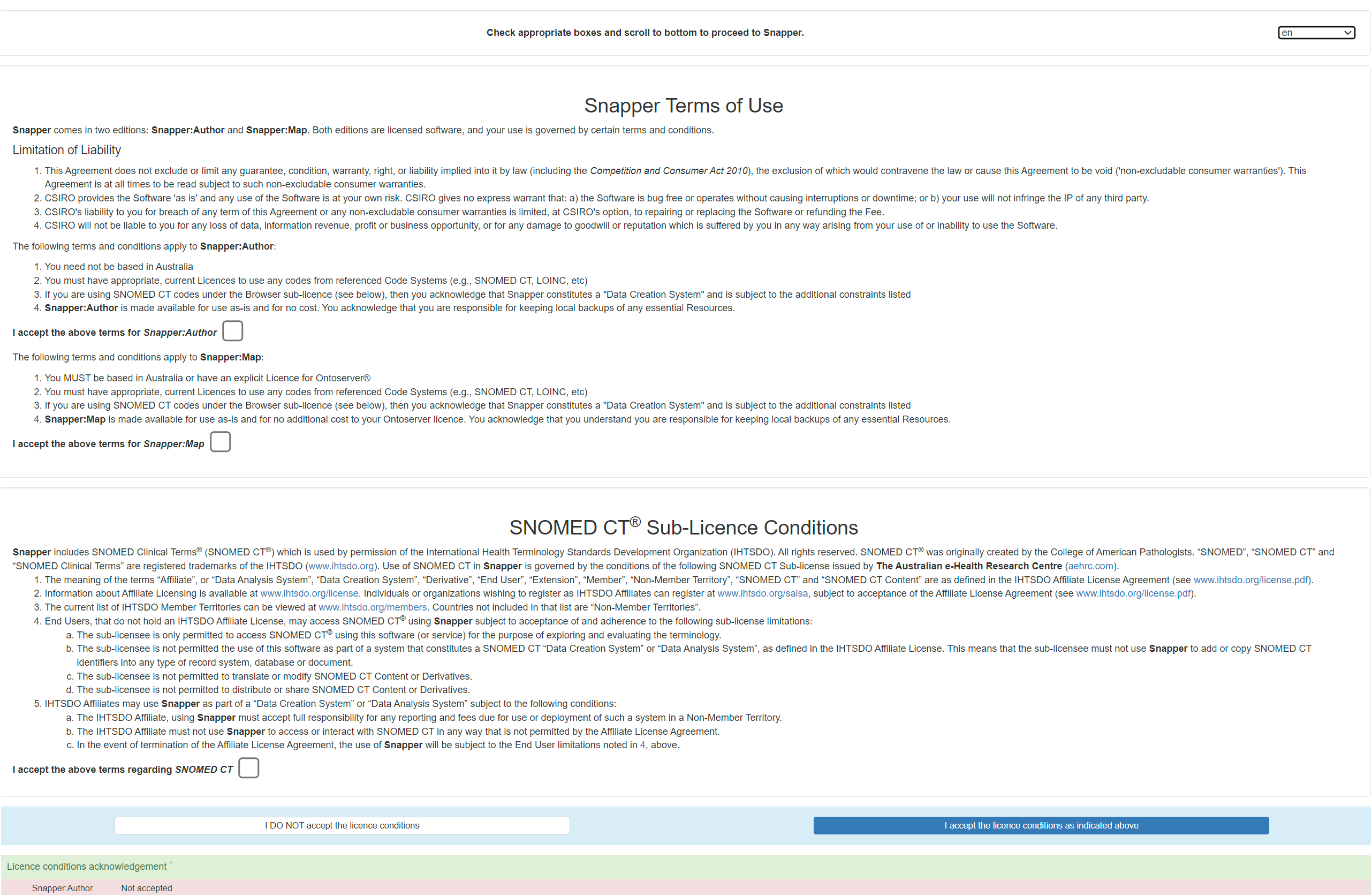
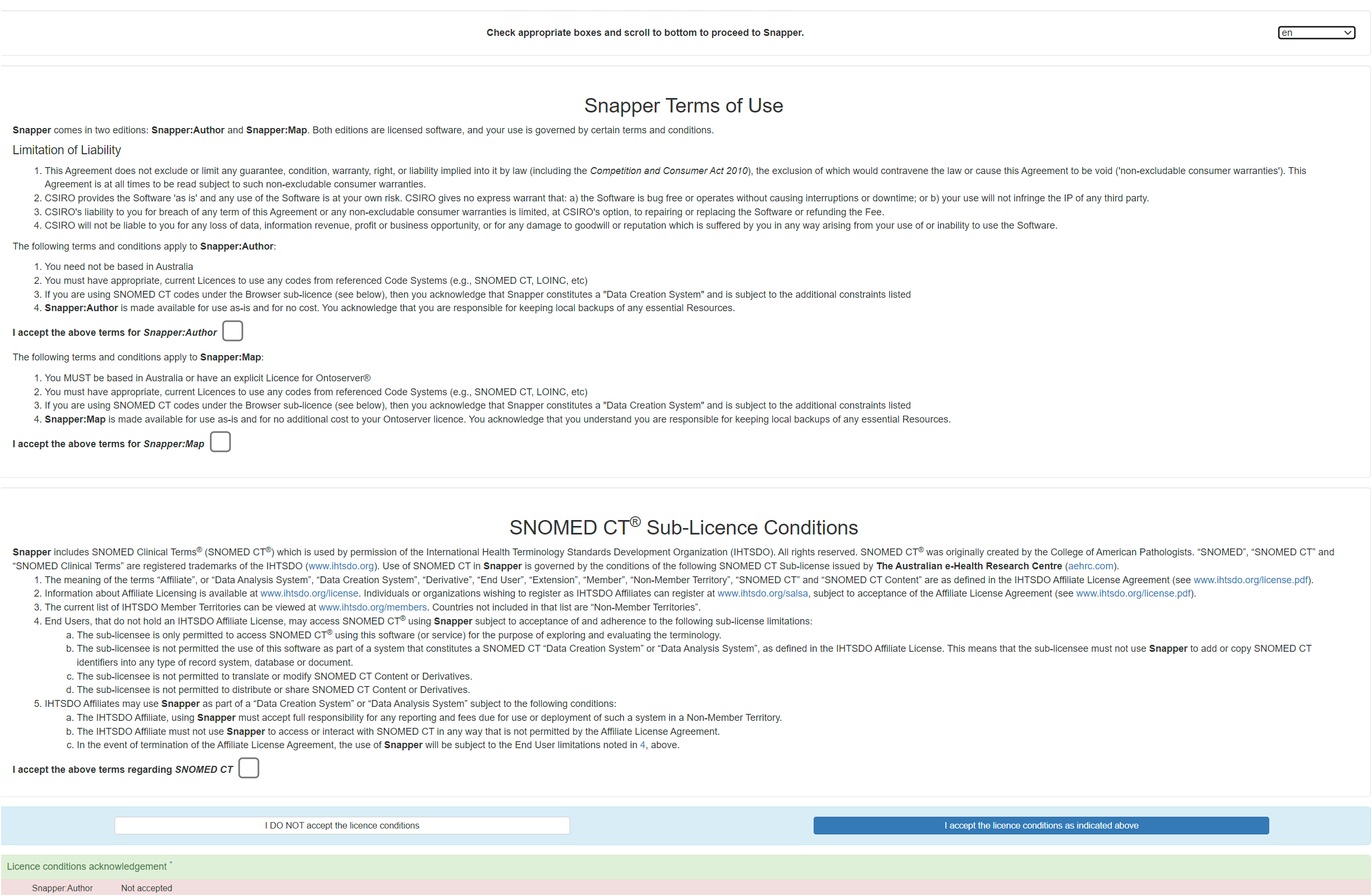
Snapper is an authoring tool which allow users to add or update Code Systems and/or Value Sets. It can be accessed via the direct link or from the main OntoCommand URL. The first time you visit the site, you will be required to agree to a license agreement for Snapper.
- https://ontoserver.csiro.au/snapper/?iss=https://terminologystandardsservice.ca/fhir (Direct Link - You can bookmark this link for future reference)
- https://terminologystandardsservice.ca/fhir (OntoCommand Link)
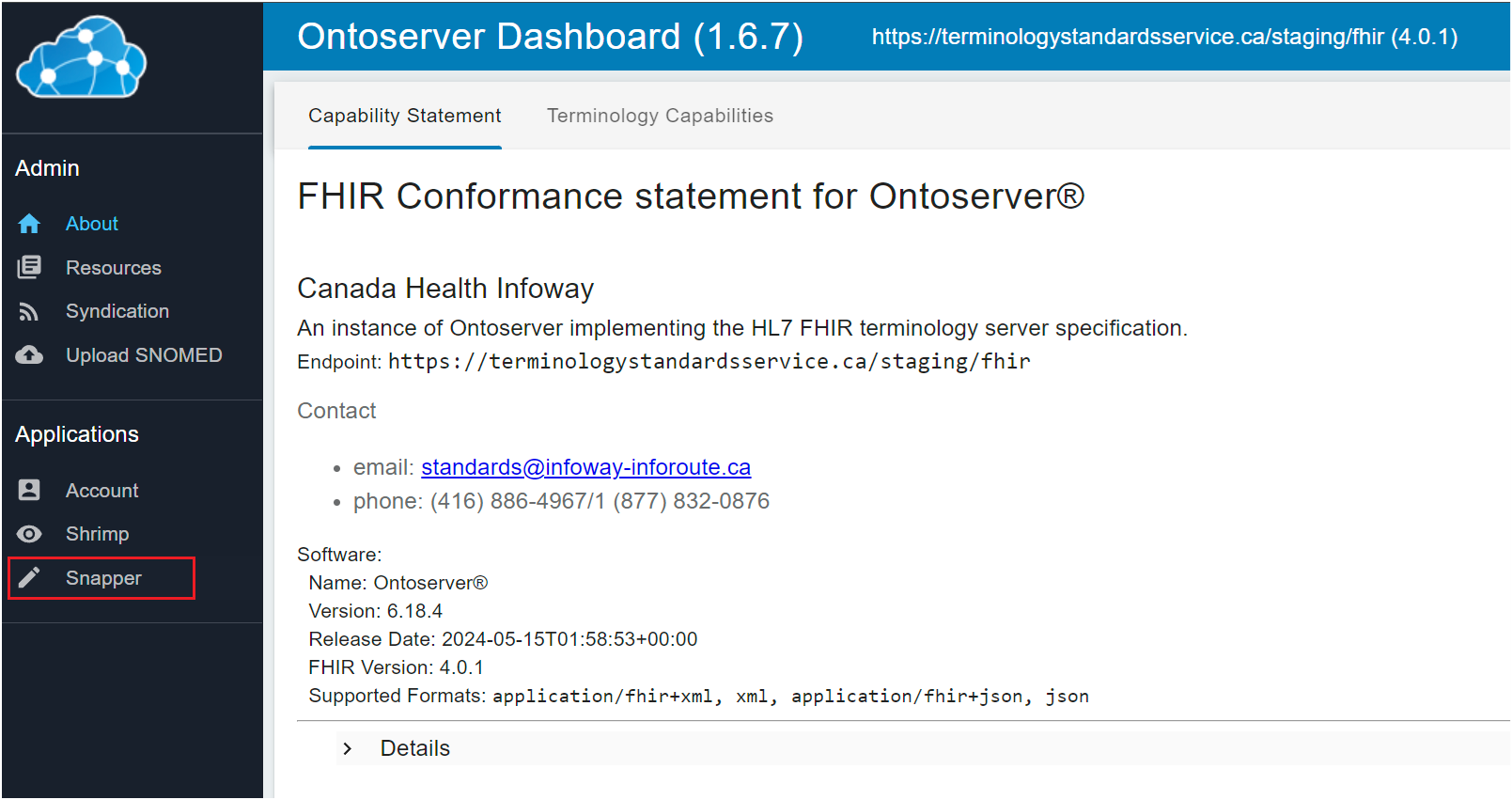
- Click on the Snapper link on the navigation menu on the left.
Logout
- From the Terminology Server, click the logout button from the top right corner.
- You will be logged out of the Terminology Server successfully, but not Accelerō.
- Subsequent logins may not require you to input a username and password again.
| Tool | Description | URL |
|---|---|---|
|
Ontocommand |
OntoCommand is an administration user interface that comes with Ontoserver. |
|
|
Shrimp |
Shrimp is a free, online browser for any FHIR Code System, particularly hierarchical, and optimised for SNOMED CT and LOINC. |
https://ontoserver.csiro.au/shrimp/launch.html?iss=https://terminologystandardsservice.ca/fhir |
|
Snapper |
Snapper is an authoring tool to view and update the FHIR Code Systems, Value Sets and Concept Maps. |
https://ui.terminologystandardsservice.ca/snapper/?iss=https://terminologystandardsservice.ca/fhir |